The Decoder / One term

What is a terminal, and why do AI tools use it?

A terminal is a window where you type commands as text and the computer answers in text; AI coding tools live there because text in and text out is exactly what a language model does.

By Mstimaj Numbers checked 30 September 2026 Updated 30 September 2026 Level Start Here Tool Claude Code

Sign in to save your place and mark this done. Free, no card.

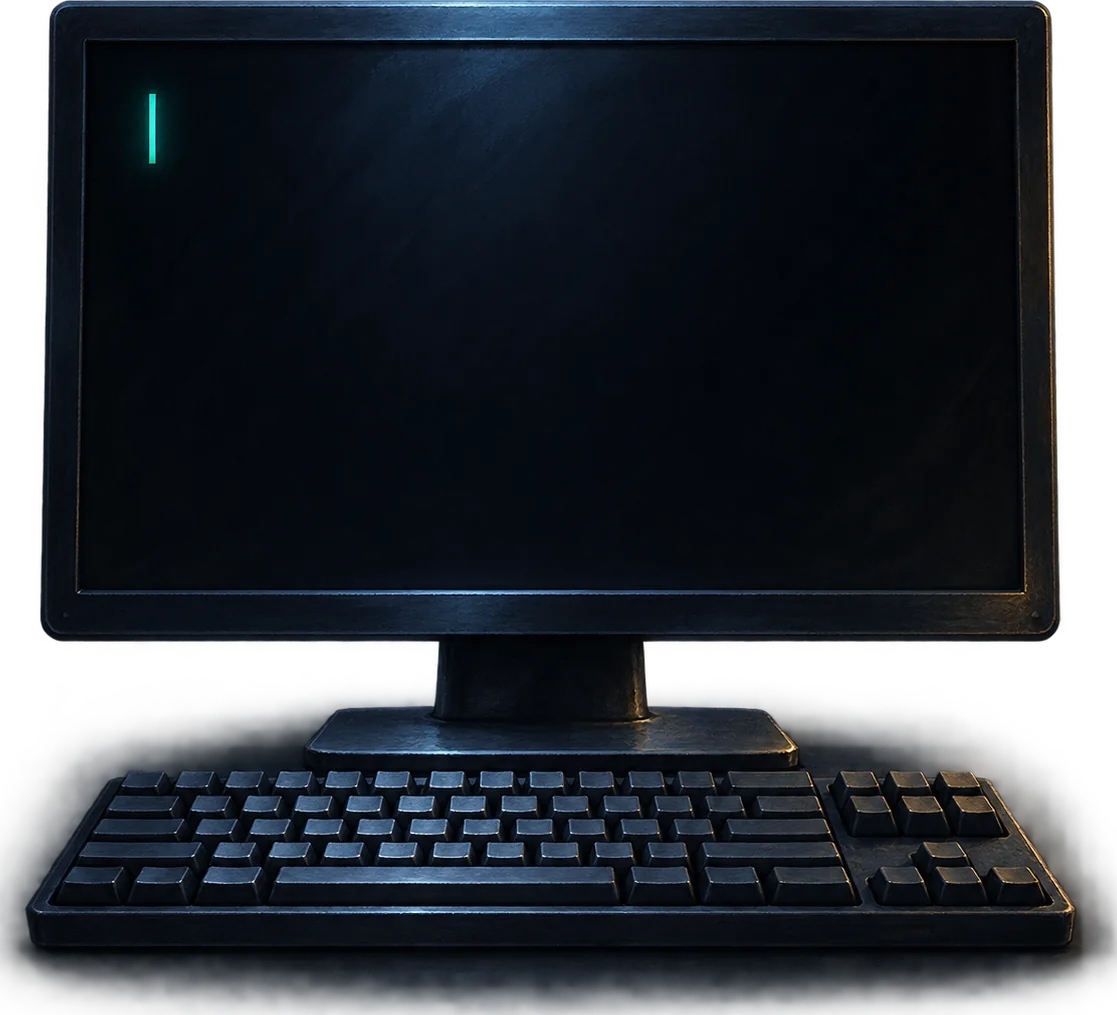
A dark window with a single glowing text cursor blinking on a desk, keyboard in front, nothing else

A terminal is the plain text way of using a computer. Instead of clicking icons, you type a short instruction, press Enter, and read the reply. Every operating system ships one. AI tools such as Claude Code and Codex run inside it because the whole exchange is text, which a language model can read and write directly, and because from the terminal the tool can see your files and run your programs without a separate app for each.

Key facts

  • 1window: the terminal is the app, the shell inside it is the program reading your commands
  • 3shells you will meet: PowerShell on Windows, zsh on a Mac, bash on Linux
  • 2022Windows Terminal became the default command line on Windows 11 (version 22H2)
  • 0coding knowledge required to type a command someone wrote out for you
  • MDN definition of a terminal; Microsoft Learn on Windows Terminal and PowerShell; Apple on zsh (macOS 10.15); release years from the projects; checked 30 September 2026

What is the difference between a terminal, a shell and a command prompt?

People use the three words for the same thing, and the muddle is harmless, but here is the split. The terminal is the window: it draws the text and takes your keystrokes. The shell is the program running inside that window that reads what you typed and does it. Command prompt is the name of one old Windows shell, and also the little marker at the start of the line waiting for you to type. On Windows 11 the window is Windows Terminal and the shell inside it is PowerShell. On a Mac the window is called Terminal and the shell is zsh.

The terminals and shells you are likely to meet
Name What it is Where First released
Command Prompt (cmd) The old Windows shell Windows 1987
bash The standard Linux shell, also on older Macs Linux, macOS 1989
PowerShell The modern Windows shell Windows, also Mac and Linux 2006
zsh The default Mac shell since 2019 macOS, Linux 1990
Windows Terminal The window that hosts any of the above on Windows Windows 10 and 11 2019
Age of each shell in 2026 AGE OF EACH SHELL IN 2026 Command Prompt 39 years bash 37 years zsh 36 years PowerShell 20 years Windows Terminal 7 years
The tools are older than the web. The AI layer on top is the only new part.

Why does Claude Code run in a terminal instead of an app?

Because the terminal already sits inside your project. When you open it in a folder, every file there is reachable, every program installed on the machine can be started, and the results come back as text the tool can read. An AI coding tool needs exactly that: read the files, change them, run the tests, read the errors, try again. Building a separate window with buttons for each of those would only put a wall between the model and the work. The terminal is also the same on every machine, so one tool runs on Windows, Mac and Linux without three versions.

There is a plainer reason too. A language model produces text one token at a time, and a terminal displays text one line at a time. They fit.

Do I need to know how to code to use one?

No. You need to know how to open it, how to move into a folder, and how to type or paste a command and press Enter. That is three things. The AI tool does the rest, and it will explain any command it runs if you ask. The commands you will use most are cd to move into a folder, ls or dir to see what is there, and the name of the tool itself to start it. Everything else you can learn the day you need it.

How do I open a terminal on Windows and Mac?

Windows 11: right click the Start button and choose Terminal, or press the Windows key and type terminal. It opens with PowerShell inside. Windows 10 may need Windows Terminal from the Microsoft Store; PowerShell on its own works fine too. Mac: press Command and Space, type terminal, press Enter. To open it already inside a folder on Windows, right click the folder and choose Open in Terminal. On a Mac, right click the folder and look for New Terminal at Folder under Services.

Ask what did not make sense

Comments go through our own form and are read before they appear. Links are not allowed; describe it in words.

Comments are read before they appear.

The newsletter

Get the next term.

One email when something goes up. The argument, the film and the term, nothing else. One click to leave.

Have a question now? Ask Mstimaj, she knows the archive.