The Human Algorithm/What Is MCP, and Why Your Agentic Workflow Falls Apart Without It
The Human Algorithm • MondayWhat Is MCP, and Why Your Agentic Workflow Falls Apart Without It
I have more than a dozen AI tools wired into one terminal right now. They all run inside Claude Code. They all talk to each other through one shared protocol called MCP, and here is why your agentic workflow falls apart without it.

I have more than a dozen AI tools wired into one terminal right now. Supabase, Vercel, Canva, Gmail, Google Calendar, Stripe, automated browsers, research tools, plus a few more I plan to add this week. They all run inside Claude Code. They all talk to each other through one shared protocol.
A year ago that sentence would have been impossible. Every tool would have needed its own custom setup, its own glue code, its own special workaround. The only way to chain them was to copy and paste between tabs.
Then MCP showed up.
What MCP Actually Is
MCP stands for Model Context Protocol. It is an open standard that lets AI applications connect to your tools in one consistent way.
Anthropic released it in late 2024. Within a year, the rest of the major AI providers adopted it. OpenAI, Google, and Microsoft all wired MCP into their own products. The protocol is open source. It is not a one-company thing anymore.
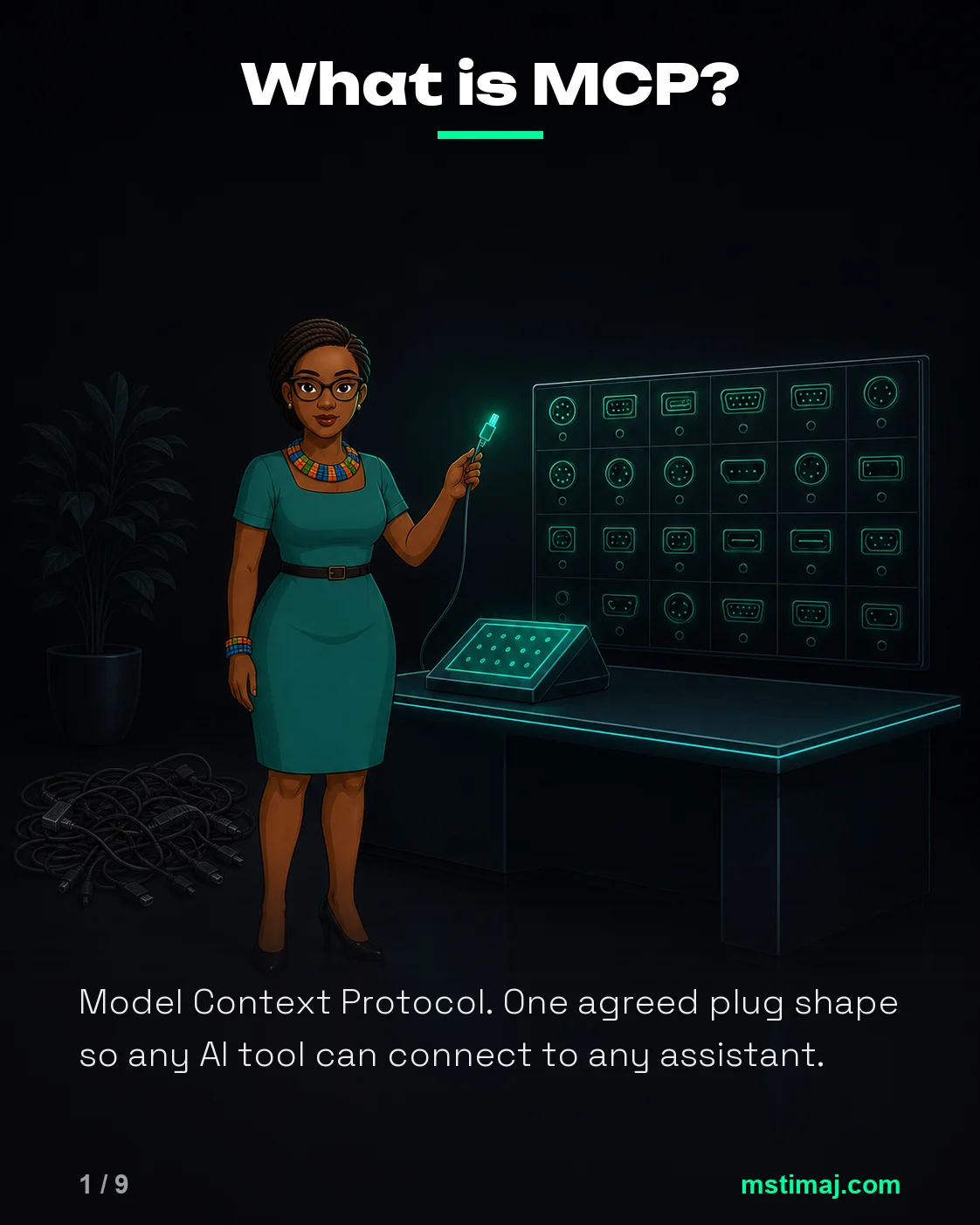
The easiest way to picture it is this: MCP is the USB-C port for AI. Before USB-C, every device had its own cable. After USB-C, one connector works for everything. MCP did the same job for AI tools. Before MCP, every tool needed custom code to talk to your AI. After MCP, every tool that supports the protocol just plugs in.
Before MCP, the Setup Was a Mess
When I first started using AI heavily, mostly for school and for experimenting with what these tools could actually do, the integration story was painful.
If I wanted my AI to read a file, I needed code for that. If I wanted it to query a database, I needed different code. If I wanted it to deploy a website, update a Google Doc, or edit an image, each one was a separate setup with its own login flow and its own way of breaking.
Most people never got past the first one. The setup cost was too high for the return.
The other option was to live inside whatever pre-built features the chatbot apps offered. ChatGPT and Claude have both had connectors for a while now. They are useful for some jobs, but they are also limited. You get whatever integrations the platform decided to wire up, in whatever order they decided to surface them, and you work inside the chat box. The serious work, the kind that runs across your actual files and projects, was not happening there. It was happening in the terminal. Until MCP, the terminal had no shared way to reach the rest of your software.
That is the world MCP replaced.
How MCP Actually Works, in Plain Terms
MCP has three pieces. Once you see them, the protocol stops feeling abstract.
Your AI app (the host) is whatever you are talking to. Claude Code in the terminal, Claude Desktop, Cursor, ChatGPT. The place where you type your instructions.
The server is the tool you want your AI to reach. Stripe has one. Supabase has one. GitHub has one. Google Workspace has one. Most major platforms have either built one or are building one. Independent developers also publish their own.
The connection (the client) is the shared protocol that lets the host and the server talk. You do not have to think about it. You point your AI app at the server, and the client running inside the host figures out the rest.
Each server can offer your AI three kinds of capabilities:
- Actions the AI can take. Send the email. Trigger the deploy. Update the database row.
- Data the AI can read. The file, the email thread, the calendar event, the row in your spreadsheet.
- Templates the AI can use. Reusable instructions for common jobs. In Claude Code these show up as skills, which are essentially packaged prompts the agent can call when the situation fits.
For most people, actions are the part that matters. Once your AI can take action on your tools, the chat window stops being a place you ask questions. It becomes a place you give jobs.
A Real Example From My Terminal
Last month I had seventeen short videos that needed to go out across YouTube, TikTok, and Instagram. The version of this workflow without MCP looked like this: open YouTube Studio in the browser, click Create, drag the video file in, copy the title from a notes file, copy the description, copy the hashtags one at a time, set the category, set the scheduled date and time, click Schedule. Then close that tab, open TikTok, repeat. Then Instagram, repeat. Multiply by seventeen videos and three platforms.
By the time the batch was up across every platform, I had burned a couple of hours doing nothing but uploading and clicking.
This is the version with MCP in the mix:
I tell Claude Code to schedule this batch. It reads the video files, captions, and scheduling list from my project folder. It opens an automated browser through the Playwright MCP server. It logs into YouTube Studio, fills the form, sets the schedule. It moves to TikTok and does the same. It moves to Instagram and does the same. It logs each successful schedule into my notes so I can see what shipped without checking each platform manually.
One instruction. Three platforms. Seventeen videos. The agent did the job.
That is what I mean when I say MCP changes the relationship with the tool. The chatbot version of this workflow does not exist. There is no version of ChatGPT or Claude.ai in a browser that reads files from my computer, drives a separate browser, and posts across three platforms in one chain. Not because the model is not smart enough. Because the connection between the AI and my actual work was not there. Now it is.
Why Every Major AI Provider Signed On
If you are wondering whether MCP is going to fade like every other “open standard” one company tried to push, the adoption pattern answers the question.
OpenAI, Google, and Microsoft all built MCP support into their products in 2025. Cursor, Windsurf, Zed, and most of the serious AI coding tools shipped MCP clients. The official server registry at modelcontextprotocol.io lists hundreds of servers built by both companies and the community. This is not a one-vendor protocol pretending to be a standard. It is the standard, and the major players signed on because nobody wins by re-fragmenting the integration layer.
If you are choosing tools right now, ask whether the tool has an MCP server. If it does, your AI can reach it. If it does not, your AI cannot, no matter how shiny the product looks.
What This Means If You Are Building With AI
For my consulting clients, the MCP question matters more than which AI model is “best.”
You can have the smartest AI in the world. If it cannot reach your file system, your inbox, your scheduling tool, your project tracker, you are still copy-pasting in 2026. The model does not run your business. The connections do.
The good news is that the platforms most small businesses already pay for, Google Workspace, Stripe, Supabase, Notion, GitHub, Airtable, HubSpot, Linear, all either have official MCP servers now or have community ones being maintained. The connectors probably already exist. You just have to wire them up.
If you are not sure where to start, pick one tool you live inside. Find its MCP server. Connect it to Claude Desktop or Claude Code. Give your AI one job that touches that tool, and watch it do the job.
Once you see one chain run, you stop seeing AI as a chatbot. You start seeing it as a layer on top of your business that can actually do things. That is the shift this whole protocol was built to make.
Forward → Upward ↑ Onward ↗︎
Mstimaj
Sources and Further Reading
- Introducing the Model Context Protocol – Anthropic’s original announcement of MCP and the reasoning behind making it open source.
- modelcontextprotocol.io – The official spec site. Documentation, server registry, and the full protocol definition.
- Model Context Protocol on GitHub – The reference SDKs and the open-source servers maintained by Anthropic and the community.
- Stop Asking AI Questions. Start Giving It Jobs. – The earlier piece on the difference between generative and agentic AI. MCP is the connection layer that makes the agentic version possible.
Comments
No comments yet. Yours can be the first.