Markdown: The Vibe Coder’s Secret Weapon
Markdown is the secret weapon every developer should know. Learn the syntax, see the comparisons, and start writing docs that actually look good.
A comprehensive guide to Markdown (.md) files for developers. What Markdown is, why it matters, syntax basics, and real-world applications.
Markdown: The Vibe Coder’s Secret Weapon
Markdown is the secret weapon every developer should know. Learn the syntax, see the comparisons, and start writing docs that actually look good.
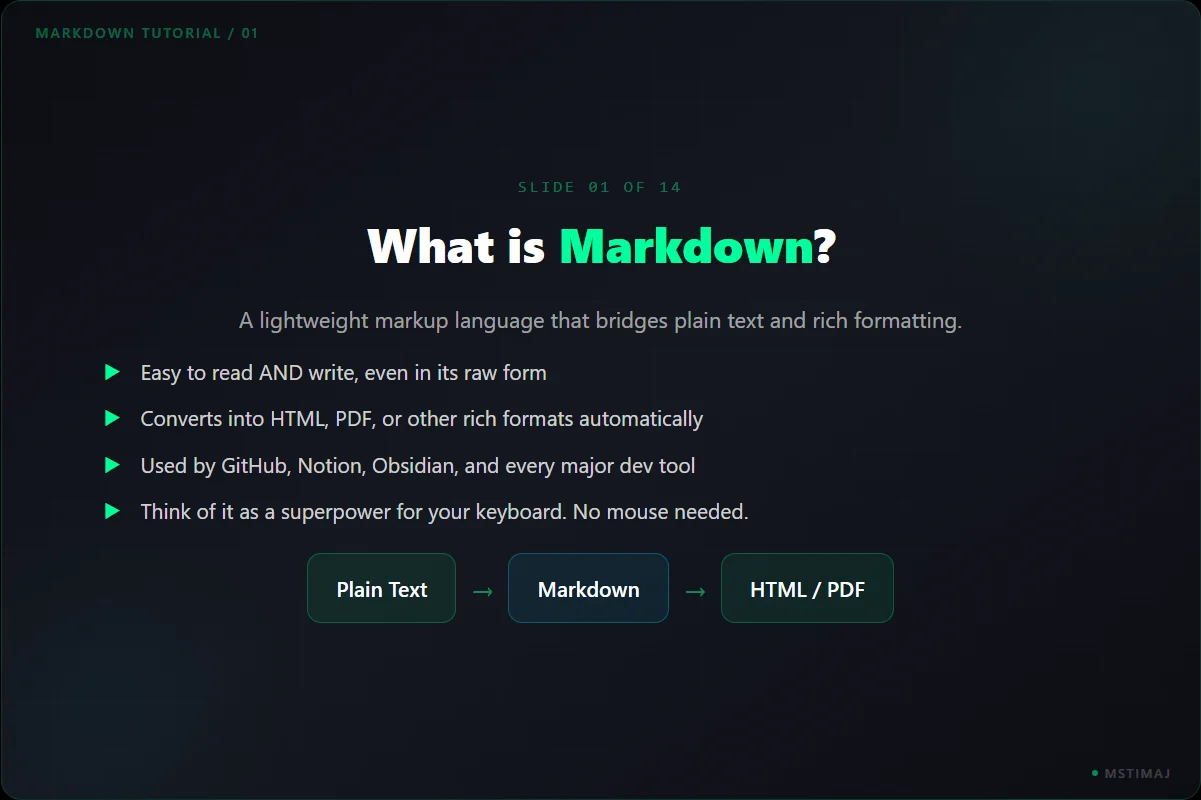
What is Markdown?
A lightweight markup language that bridges plain text and rich formatting. Easy to read and write, even in raw form. Converts into HTML, PDF, or other rich formats automatically. Used by GitHub, Notion, Obsidian, and every major dev tool. Think of it as a superpower for your keyboard.
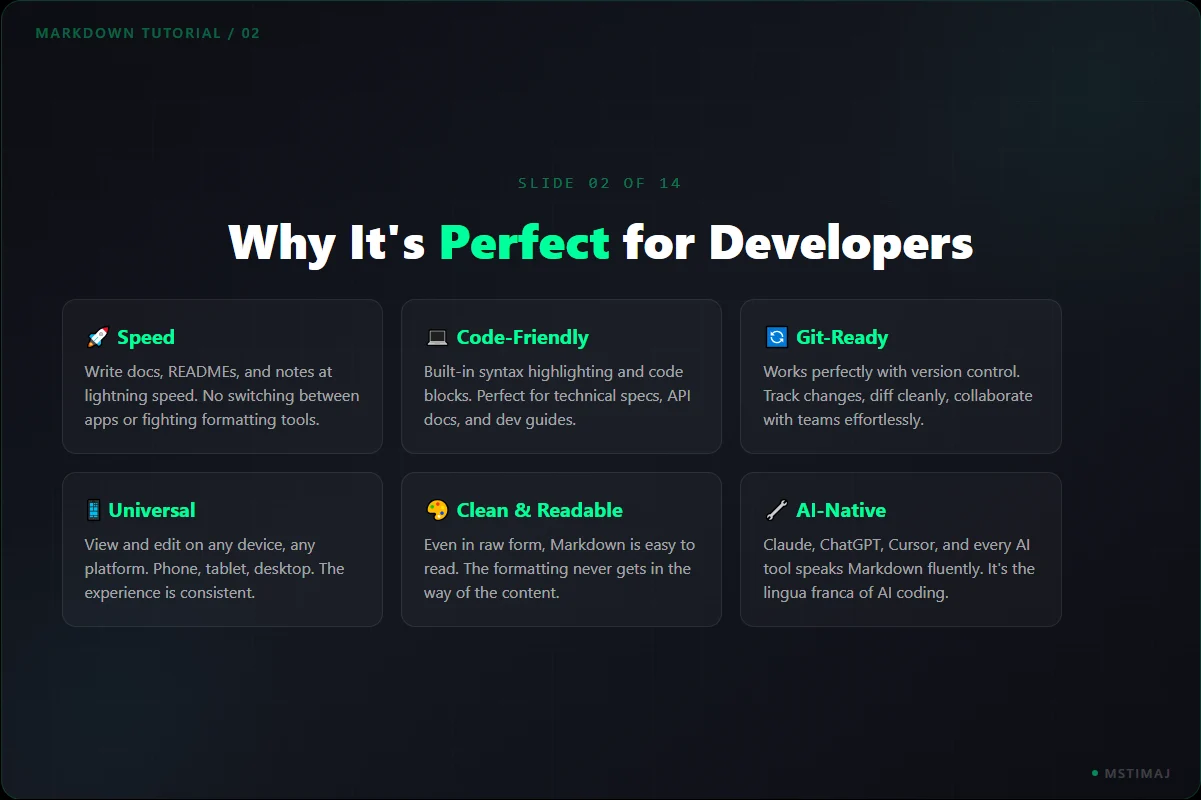
Why It's Perfect for Developers
Six key benefits: Speed and efficiency (write docs at lightning speed), code-friendly (built-in syntax highlighting), Git-ready (version control native), universal compatibility (any device, any platform), clean and readable (even in raw form), and AI-native (Claude, ChatGPT, Cursor all speak Markdown fluently).
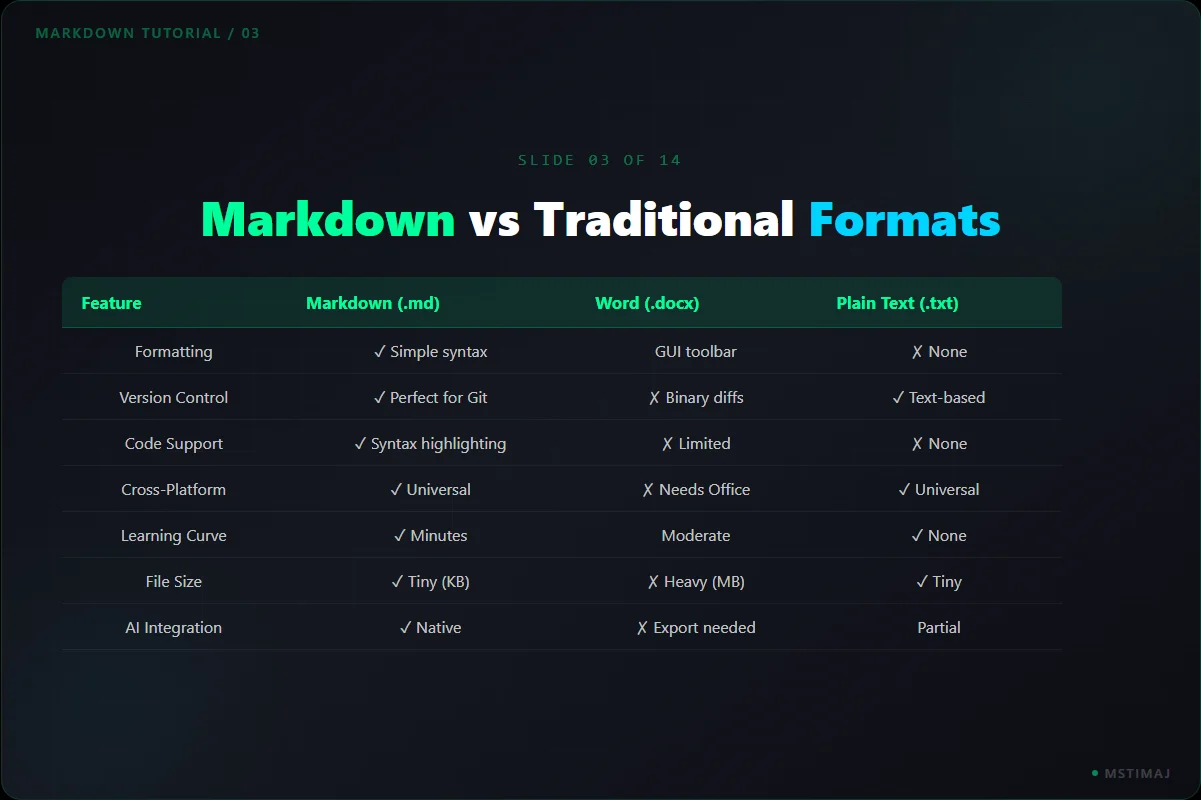
Markdown vs Traditional Formats
Comparison across formatting, version control, code support, cross-platform, learning curve, file size, and AI integration. Markdown combines the formatting power of Word with the simplicity of plain text, while being natively compatible with every developer tool and AI system.
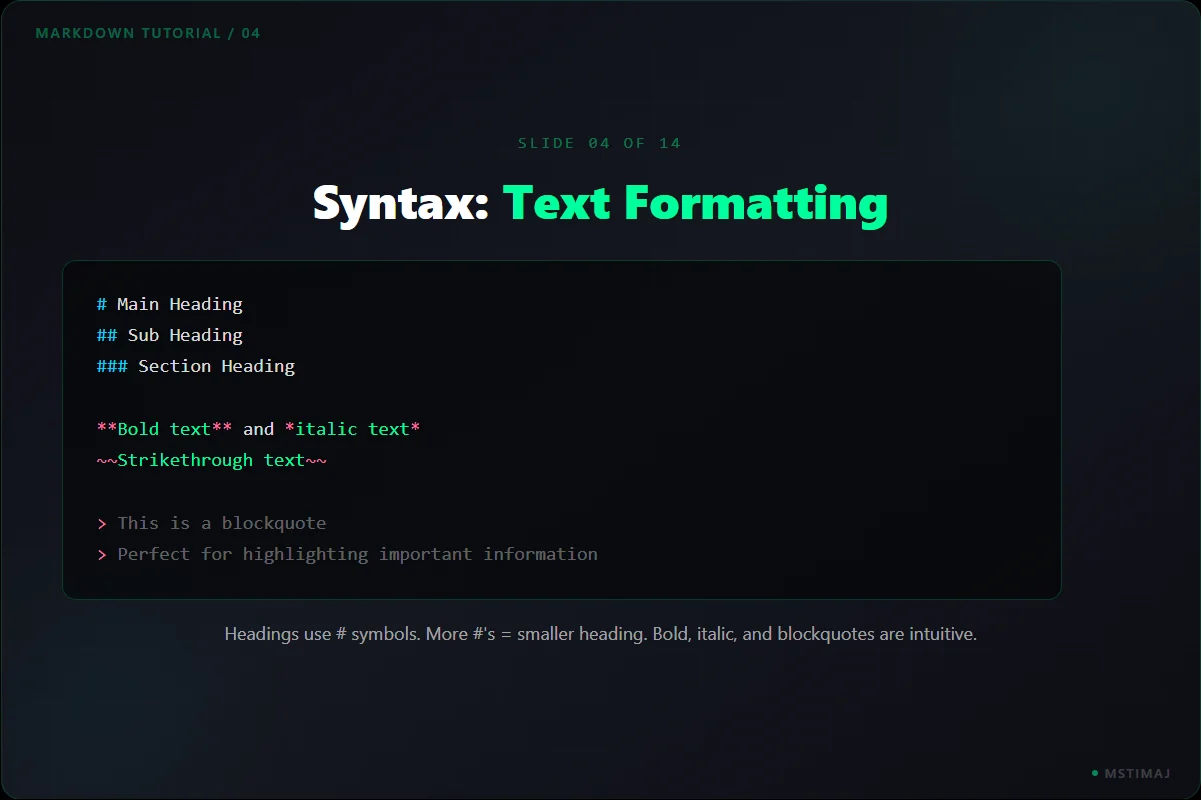
Syntax: Text Formatting
Headings use # symbols (more = smaller). **Bold**, *italic*, ~~strikethrough~~. Blockquotes with > for highlighting important information. The formatting is intuitive and never gets in the way of the content.
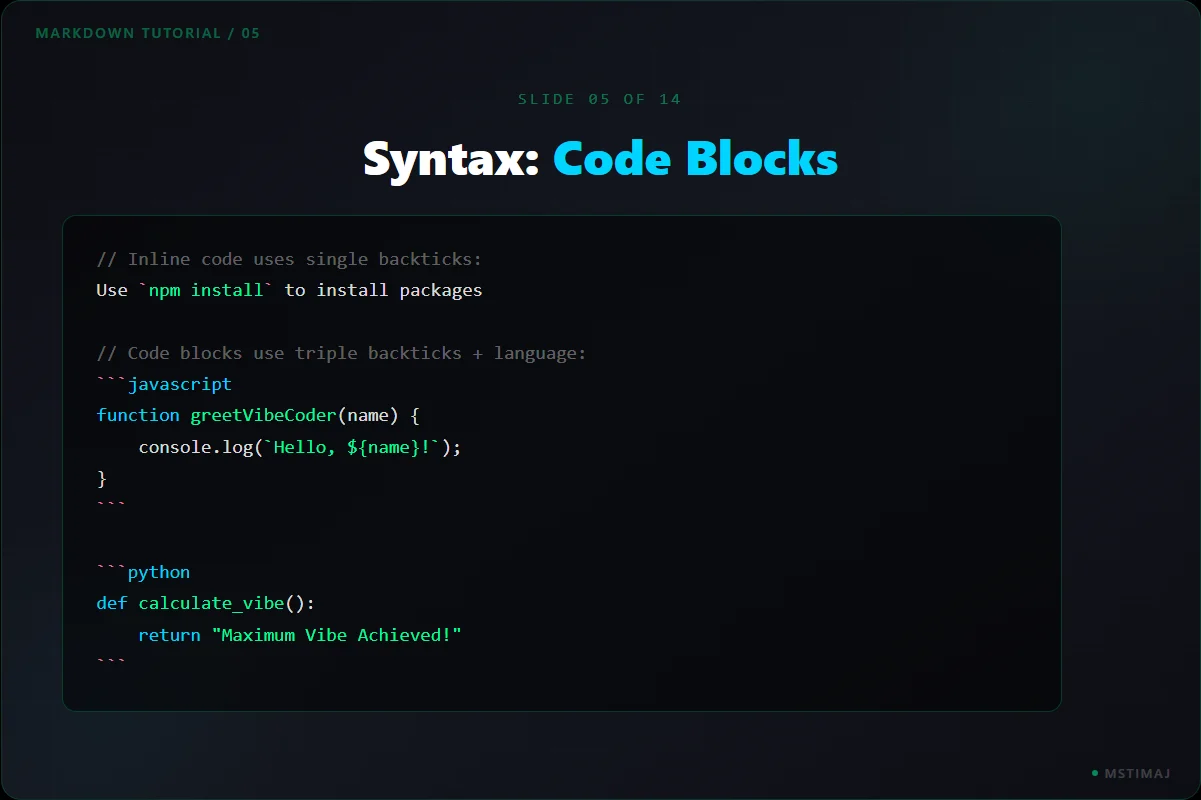
Syntax: Code Blocks
Inline code uses single backticks for variables or short commands. Code blocks use triple backticks plus the language name for full syntax highlighting. Supports JavaScript, Python, and every major language.
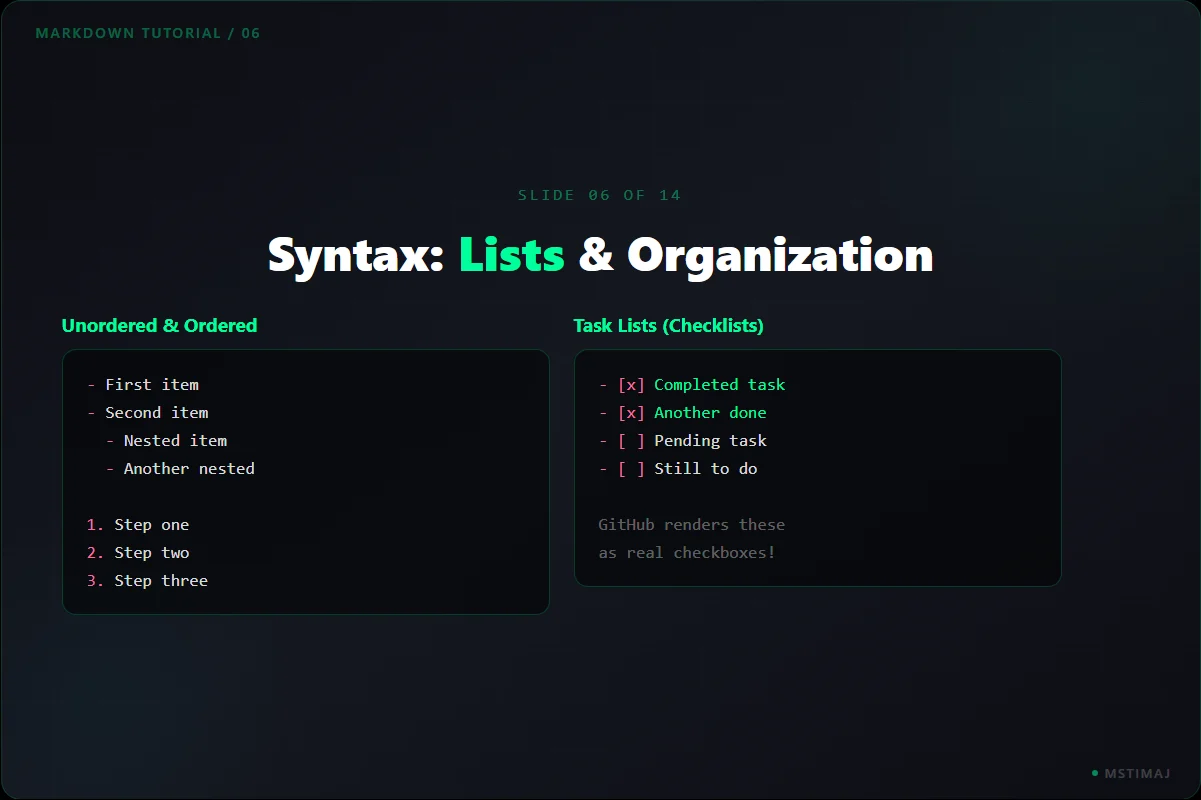
Syntax: Lists & Organization
Unordered lists with dashes, ordered lists with numbers, nested lists with indentation. Task lists with checkboxes [ ] and [x] that GitHub renders as real interactive checkboxes. Perfect for project tracking.
Syntax: Links, Images & Tables
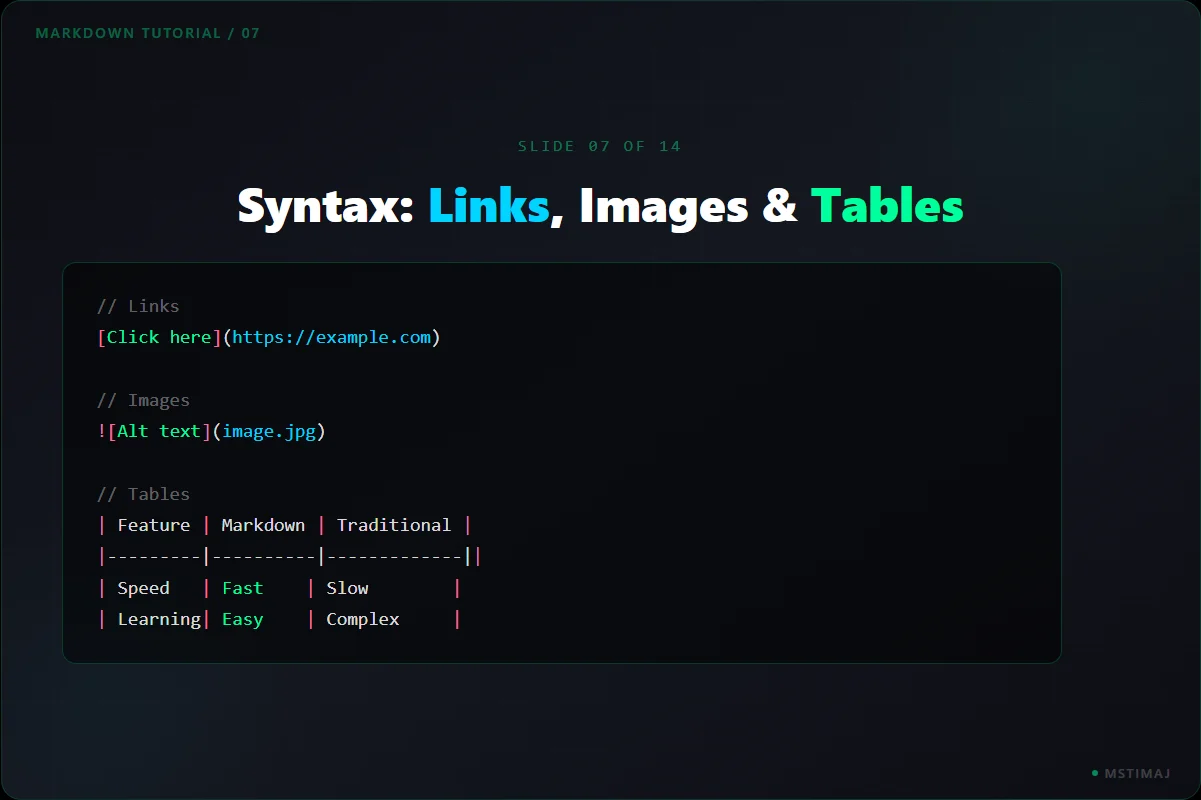
Links: [text](url). Images: . Tables with pipe characters and alignment. These three features let you create rich, interactive documentation that rivals any word processor.
The Vibe Coder Workflow
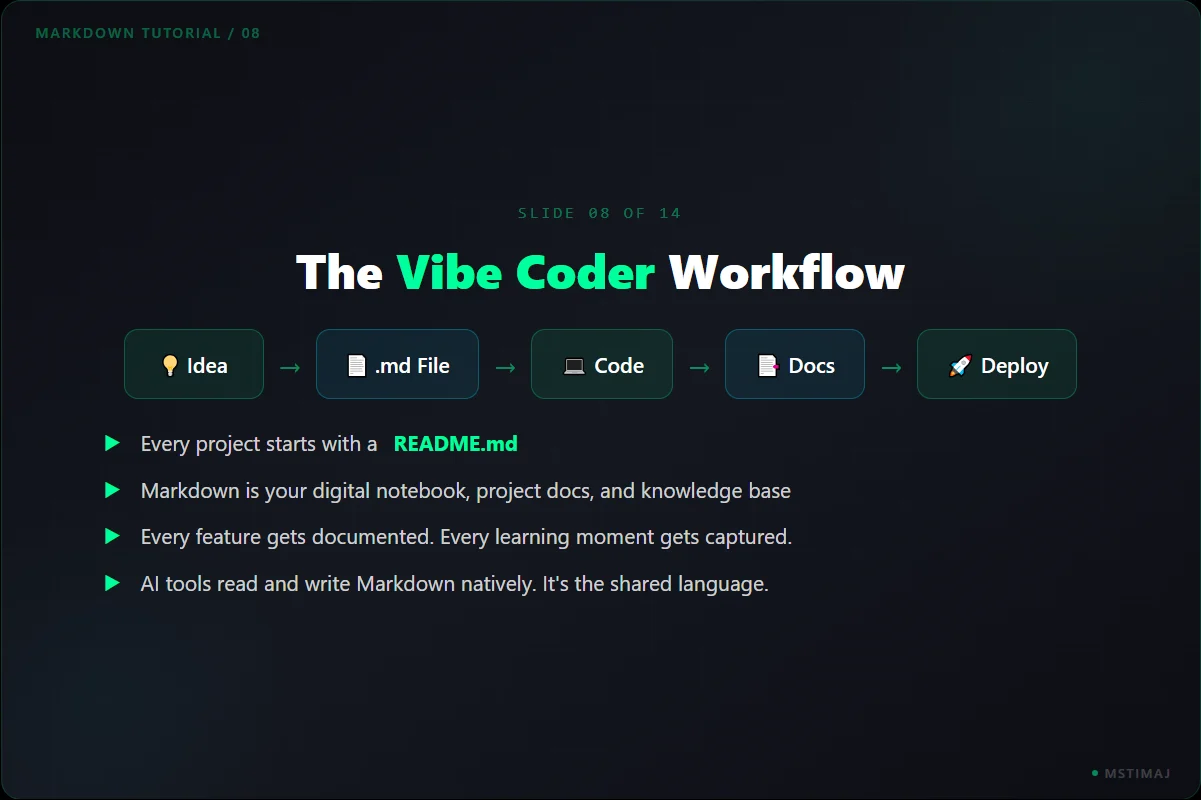
Idea > MD File > Code > Documentation > Deploy. Every project starts with a README.md. Markdown becomes your digital notebook, project documentation, and knowledge base. Every feature gets documented, every learning moment captured. AI tools read and write Markdown natively.
Real-World: Documentation
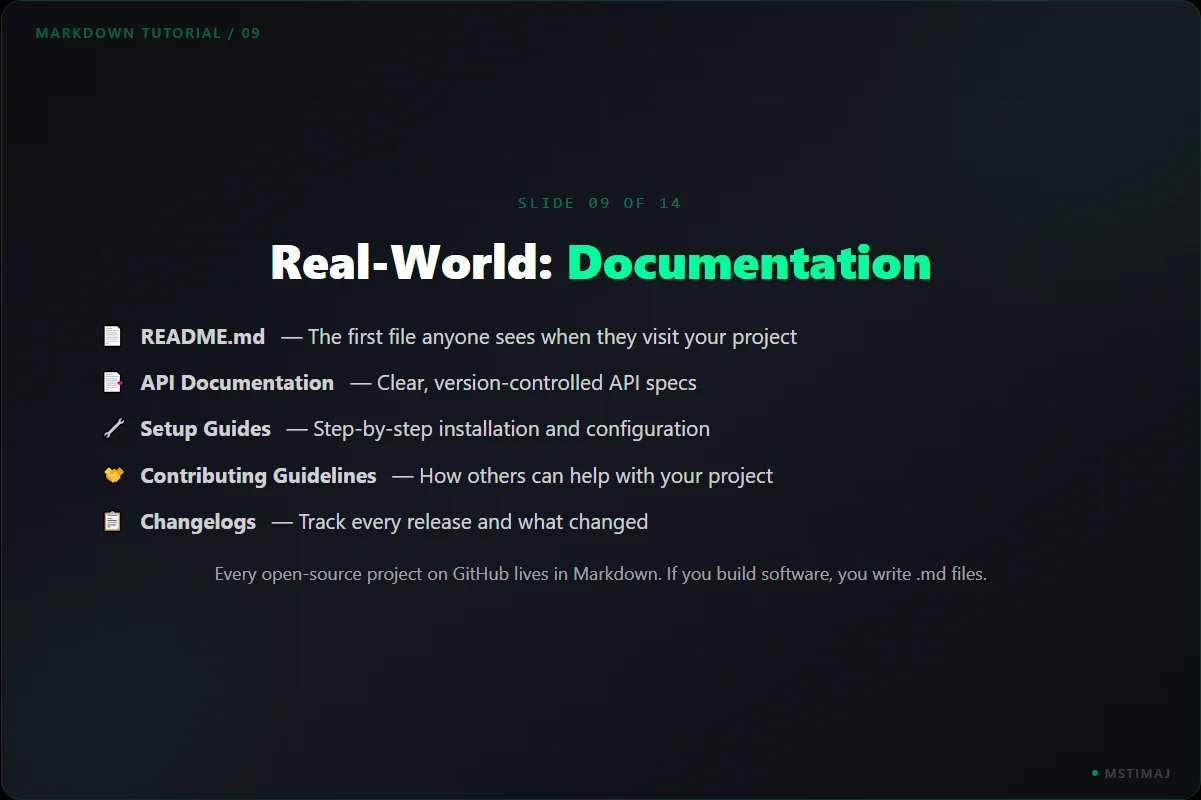
README.md is the first file anyone sees. API Documentation for clear, version-controlled specs. Setup Guides for step-by-step installation. Contributing Guidelines for open-source collaboration. Changelogs to track every release. Every open-source project on GitHub lives in Markdown.
Real-World: Learning & Teams
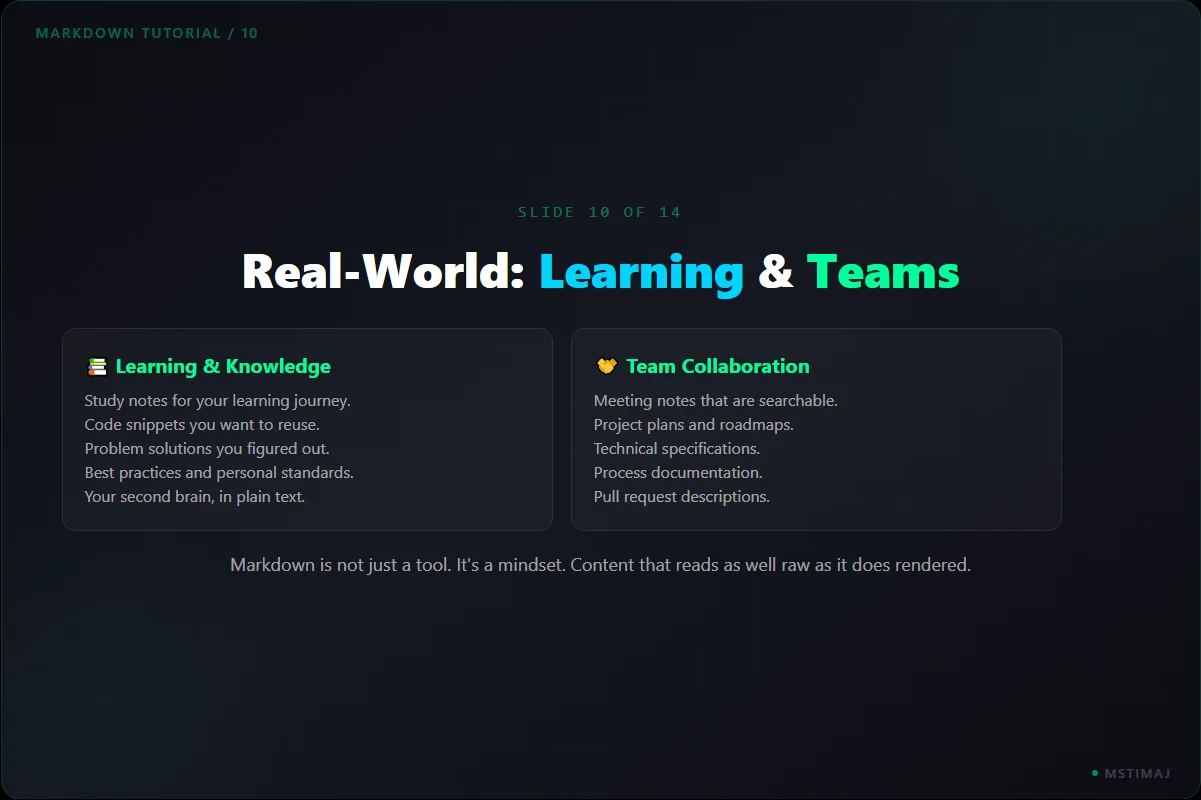
Learning: Study notes, code snippets, problem solutions, best practices, your second brain in plain text. Teams: Meeting notes that are searchable, project plans and roadmaps, technical specs, process docs, pull request descriptions. Markdown is a mindset, not just a tool.
Your First .md File
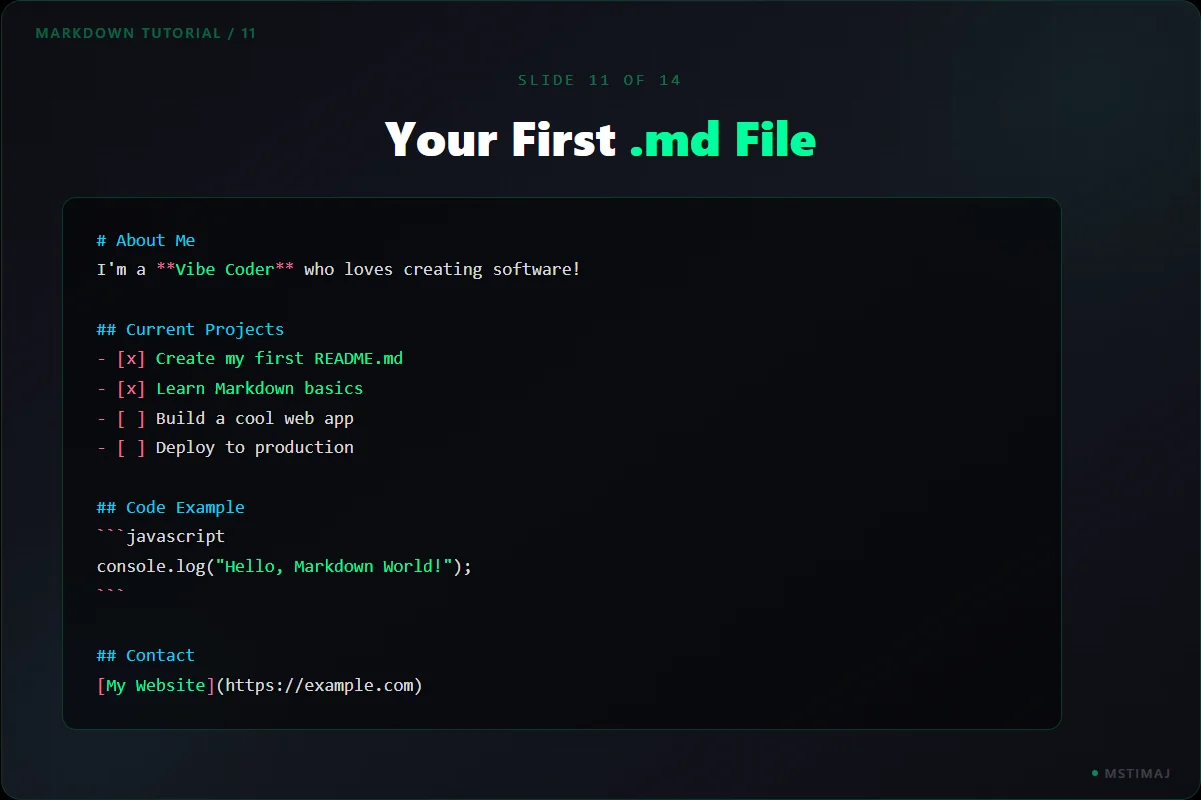
Create a file with sections: About Me, Current Projects with task checkboxes, a Code Example block, and Contact info with links. Save with .md extension. Open in VS Code and hit Ctrl+Shift+V to see it rendered.
Tools & Resources
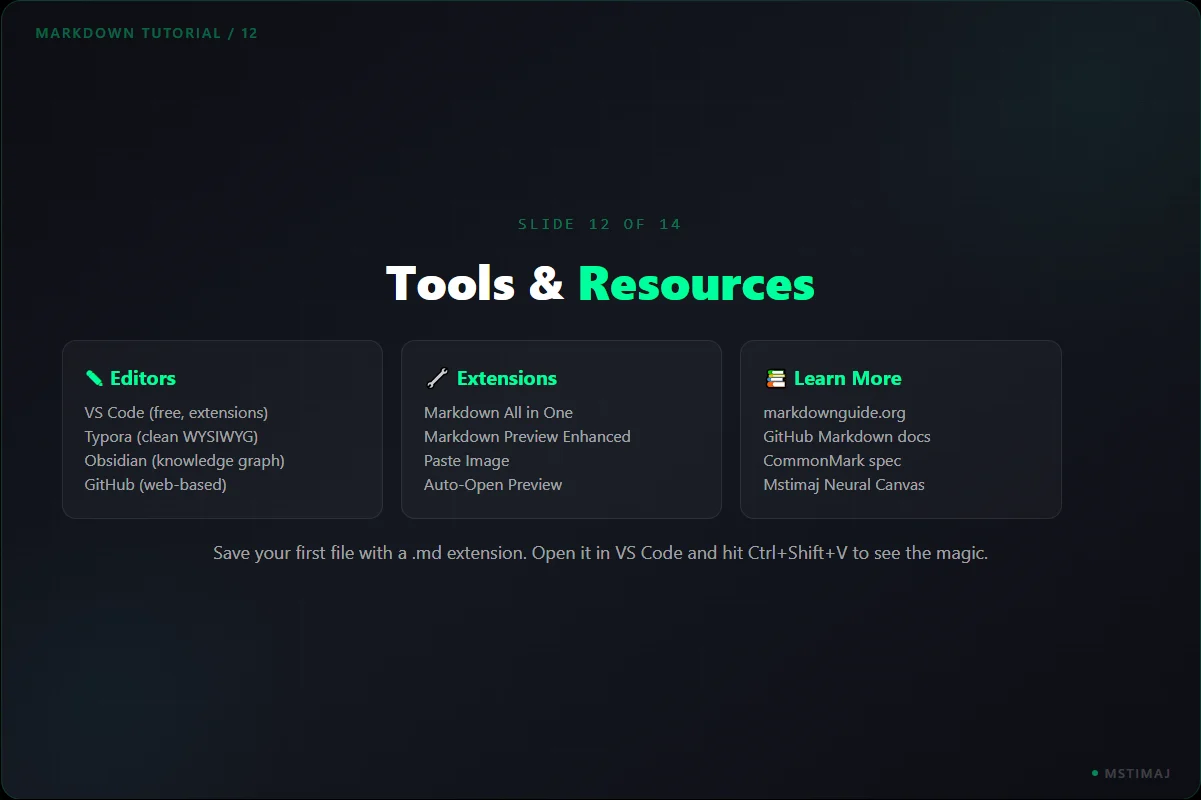
Editors: VS Code (free, extensions), Typora (clean WYSIWYG), Obsidian (knowledge graph), GitHub (web-based). Extensions: Markdown All in One, Markdown Preview Enhanced, Paste Image. Resources: markdownguide.org, GitHub docs, CommonMark spec.
Markdown + AI = Superpower
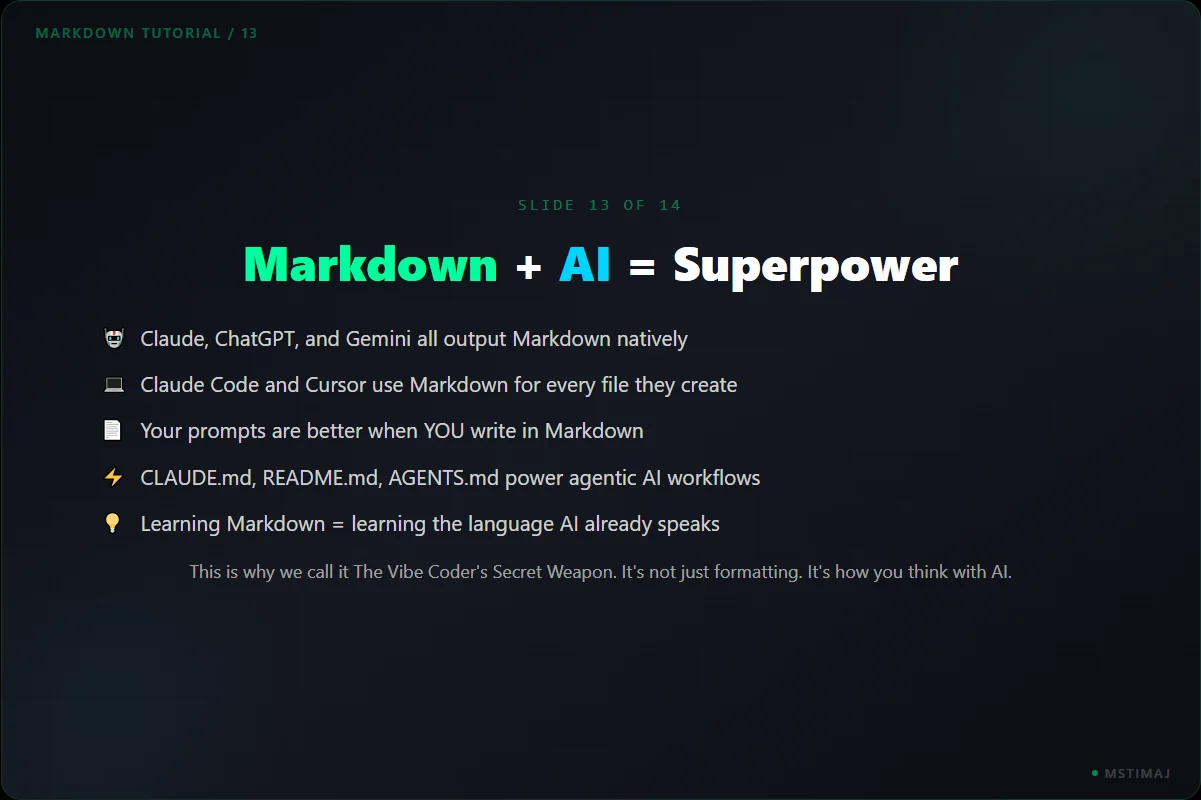
Claude, ChatGPT, and Gemini all output Markdown natively. Claude Code and Cursor use it for every file. Your prompts are better when you write in Markdown. CLAUDE.md, README.md, AGENTS.md power agentic AI workflows. Learning Markdown means learning the language AI already speaks.
Embrace the Markdown Vibe
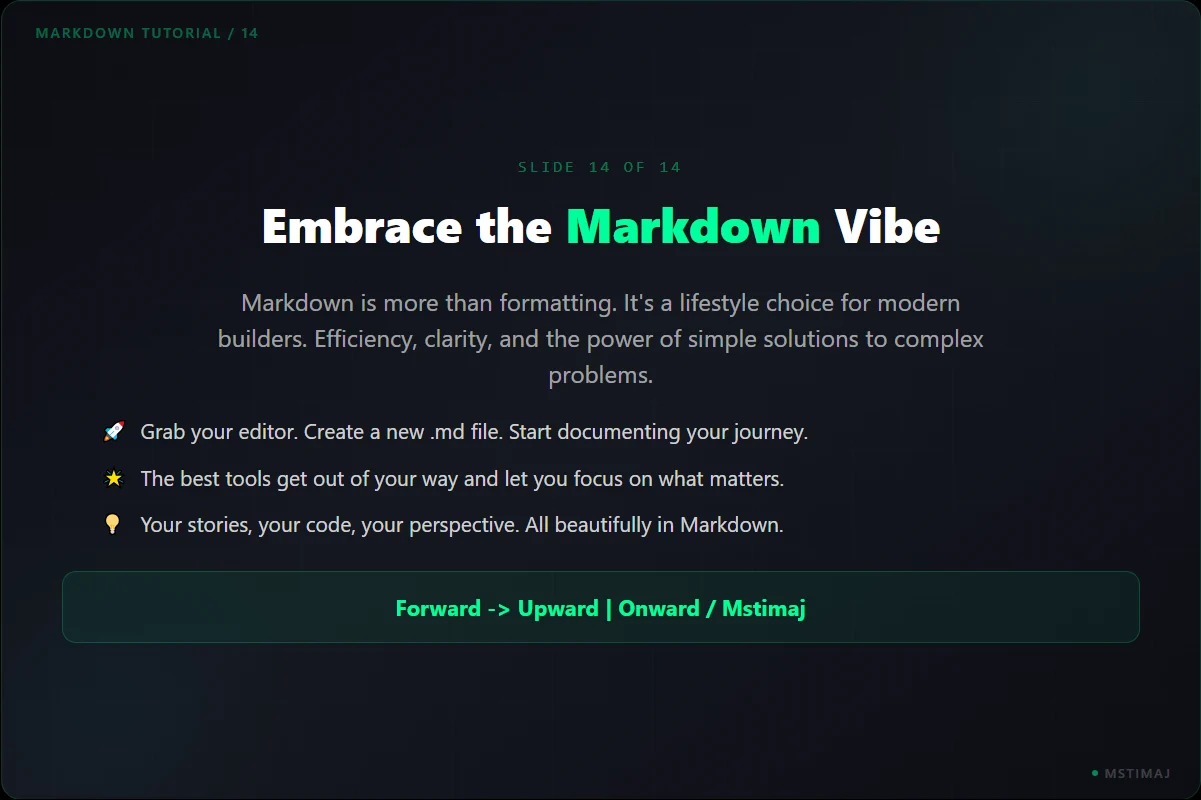
Markdown is more than formatting. It is efficiency, clarity, and the power of simple solutions to complex problems. The best tools get out of your way and let you focus on what matters. Your stories, your code, your perspective, all beautifully in Markdown. Forward -> Upward | Onward / Mstimaj
More from Neural Canvas
Research. Plan. Execute. Test.
The only AI workflow that works. Four steps, in order, every time. Research gives the model better input. Planning activates its reasoning. Execution uses its generation strength. Testing catches errors. Based on the article from The Human Algorithm.
Ollama + n8n: Local AI Setup
Set up local AI with Ollama and connect it to n8n for automated workflows. Everything runs on your machine, no cloud required.
API Flow: Digital Conversations
How do APIs work? Follow a request from client to server and back, explained through a restaurant analogy anyone can understand.
Let's Work Together
Whether you need AI automation, strategic guidance, or want to explore what's possible, I'm here to help.